 SheetWorkflow Guide
Build the rule from the first data cell
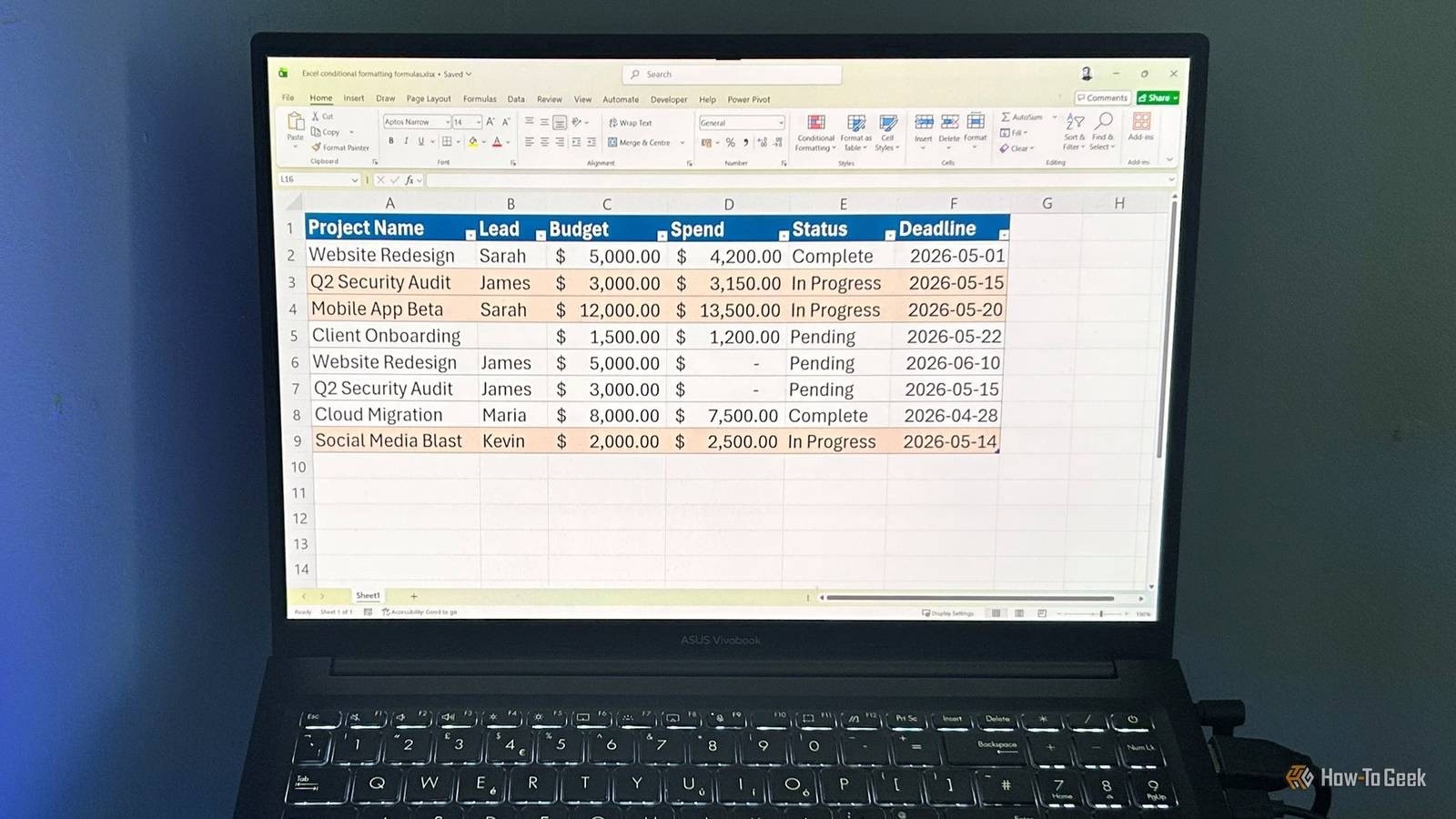
The source outlines a repeatable formula-based formatting workflow: select the data cells without the header, create a new rule, choose a formula as the condition, and specify the appearance. Starting from the correct top-left data cell matters because the rule's references must align with the selected range. This makes conditional formatting a way to express an ongoing test rather than a one-time decorative action.
Let the table structure support later additions
The article recommends using an Excel table before applying the rules, so formatting can expand when new records are added. That is useful for an evolving report where manually maintained ranges could leave later rows unmonitored. Choose alerts that correspond to a real decision or exception. Review both the formula and the applied range after changing the table, because an attractive highlight is useful only when it continues to evaluate the intended records.



















Comments (0)