 SheetWorkflow Guide
Connect matching information through the Data Model
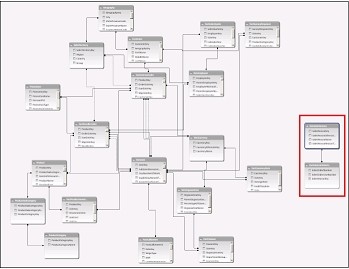
Excel can create relationships between tables when they contain suitable matching data. The source presents this as an alternative to bringing a column into another table with a lookup formula. Related tables can then contribute fields to PivotTables and reports, including cases where the information originated from different sources. This supports analysis across the connected records without first flattening everything into one large table.
Check the relationship rather than assuming it exists
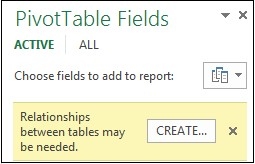
Relationships are often used when building PivotTables from several tables in the Data Model. Some imported relational data may supply suitable connections automatically; other situations require deliberate setup. Confirm that the workbook contains the intended tables and that their matching fields support the analysis. A relationship should represent a real connection in the data, because a visually complete report can still be misleading if the tables have been linked incorrectly.



















Comments (0)