 SheetWorkflow Guide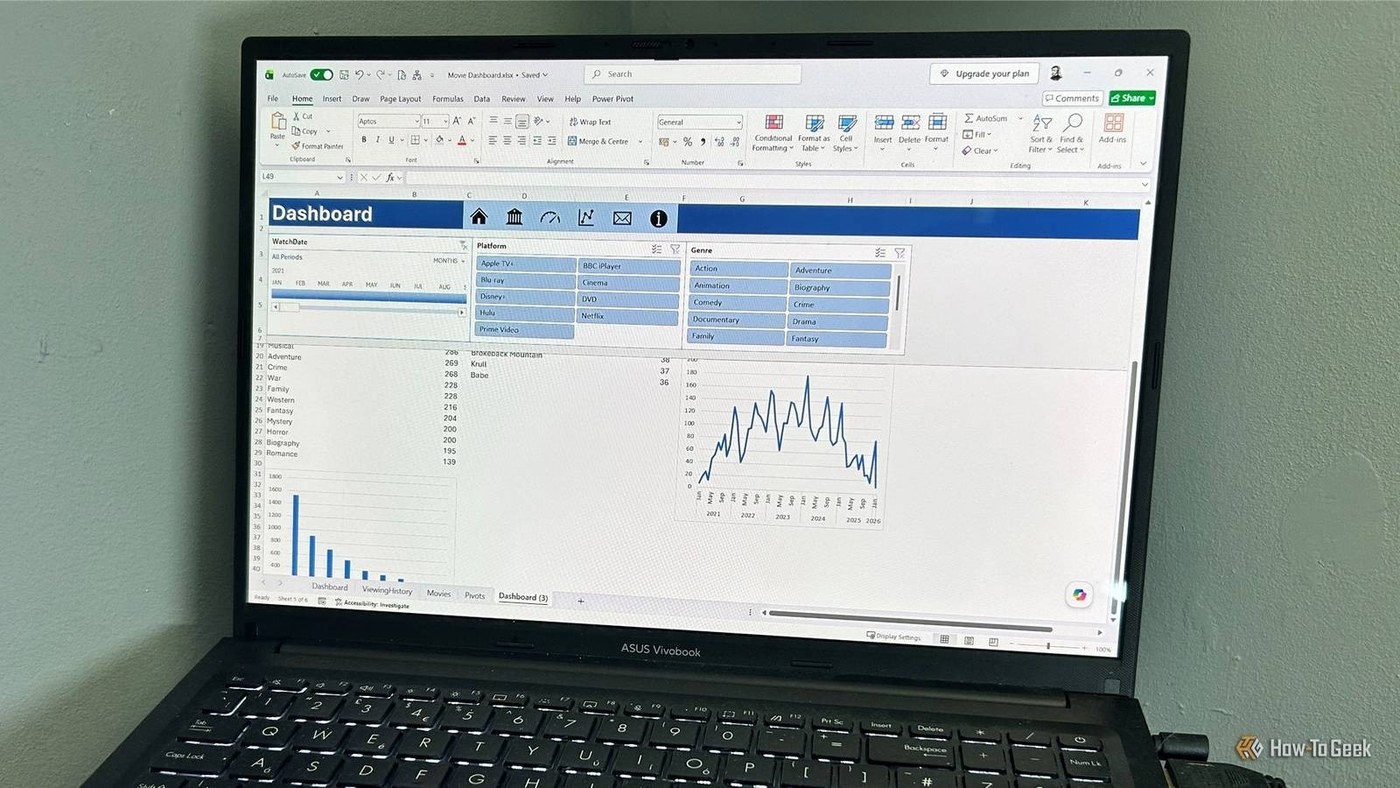
Identify the navigation problem first
Freeze Panes is useful for retaining labels, but it does not solve every difficulty in a large workbook. The source describes a sheet whose many supporting columns made the main information harder to follow. Locking more columns in place preserved context but also left the underlying width problem unresolved. Before adding another frozen area, ask whether the extra columns are needed continuously or only for occasional reference.
Collapse supporting detail when that is more useful
Grouping columns through Data, Group provides a way to hide and reveal related detail as needed. This can leave the main dataset easier to read without permanently discarding the additional information. The distinction is practical: freezing keeps important context visible, while grouping reduces distraction from information not required at that moment. Choose between them based on how people work through the sheet rather than using one familiar feature for every layout problem.




















Comments (0)