 SheetWorkflow Guide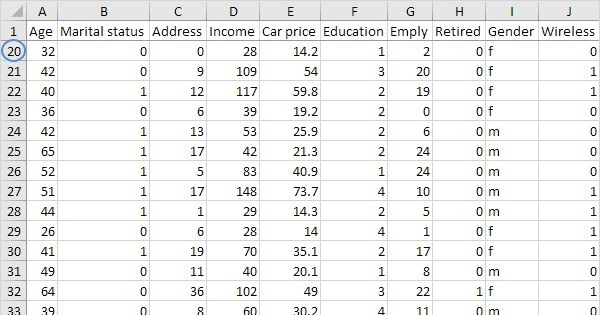
Keep one header area in place
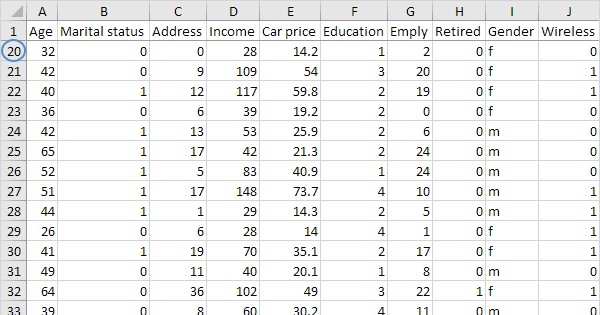
For a long worksheet, Freeze Top Row keeps the first row visible while the rest scrolls. Freeze First Column performs the corresponding job for the leftmost column. The source shows these commands through the View tab's Freeze Panes menu and describes the darker line that appears at the fixed boundary. This visual cue helps confirm the setting before relying on it while navigating the table.
Choose a different boundary when necessary
Several rows can be kept visible by selecting the row below them before using Freeze Panes. Other arrangements can preserve columns or a combined area. Unfreeze Panes removes the setting when the table or task changes. The useful habit is to scroll and verify the actual result after applying the command. A clear boundary keeps the necessary labels available without leaving a larger fixed area than the reader needs.




















Comments (0)