 SheetWorkflow Guide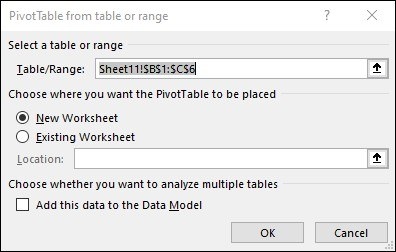
Select the source and the report location
The source recommends organizing data in columns with a single header row before creating a PivotTable. Select the intended range, use Insert, PivotTable, and choose whether the report belongs in a new worksheet or a suitable location on an existing one. Those steps establish the connection between the detailed records and the separate analytical summary that will be built from them.
Choose the fields around a real question
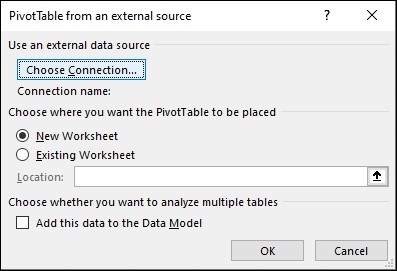
A PivotTable can calculate and summarize records to reveal comparisons, patterns, and trends. Its value comes from selecting categories and measures that answer the task, rather than merely recreating the source table. The article also notes that behavior and available data sources differ by platform and configuration. Confirm the environment in which the report will run, and review the resulting summary against the underlying records before using it to support a decision.




















Comments (0)