 SheetWorkflow Guide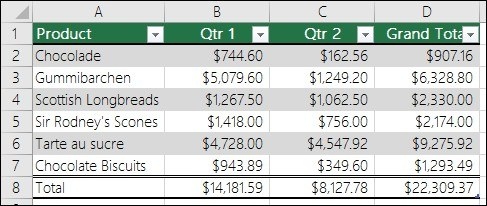
Use the structure built around the data
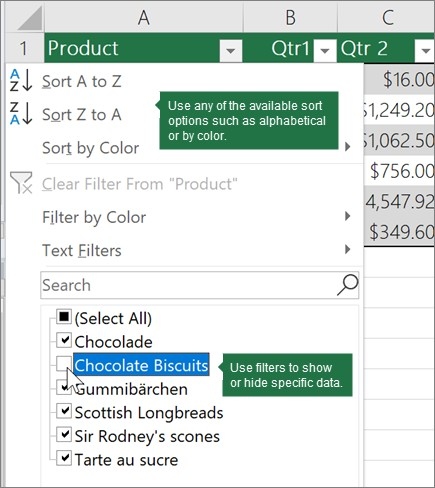
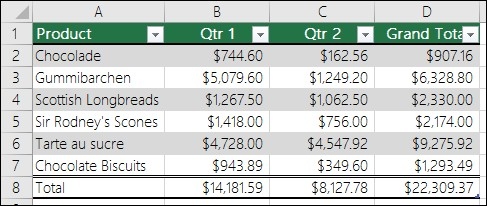
An Excel table is more than a range with a decorative fill. The source describes a header row with filter controls, alternating row shading, calculated columns, and an optional total row. These features help organize related records and support routine analysis. Table headers make sorting and filtering more accessible, while banded rows can help readers follow values across a wide dataset.
Understand how the table supports calculations
A calculated column can apply a formula throughout that column, reducing the need to maintain separate expressions row by row. A total row offers summary choices such as SUM and AVERAGE. Choose those features according to the table's purpose, and do not confuse Excel tables with the separate data-table feature used for what-if analysis. A clear name and consistent structure can make the data easier to refer to and maintain as the workbook develops.




















Comments (0)