 SheetWorkflow Guide
Separate the range from the requested operation
QUERY takes a data range and a query expression, with an optional argument describing header rows. The expression uses the Google Visualization API Query Language, whose clauses resemble SQL. Commands such as select, group by, and limit describe which information to return and how to organize it. Keeping the range and the expression conceptually separate makes the formula easier to read and adapt.
Keep column types and quotation marks consistent
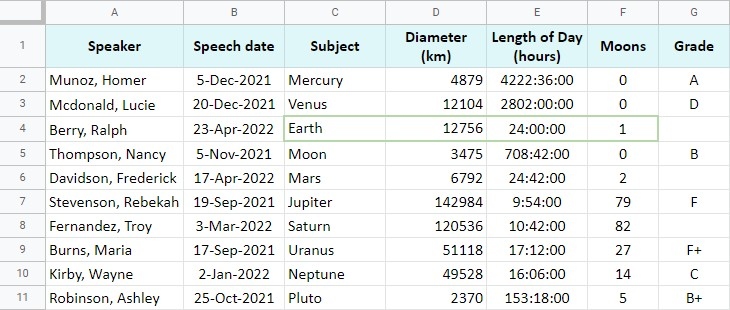
The source warns that mixed data types in one column can affect the result: the majority type is used, and other types may be treated as empty. That matters when a column contains numbers and text that only look similar. The query expression also needs the correct quotation marks around it and its values. Before adding more clauses, confirm that the range, column types, and basic expression produce the intended records.



















Comments (0)