 SheetWorkflow Guide
Review the recorded sequence of changes
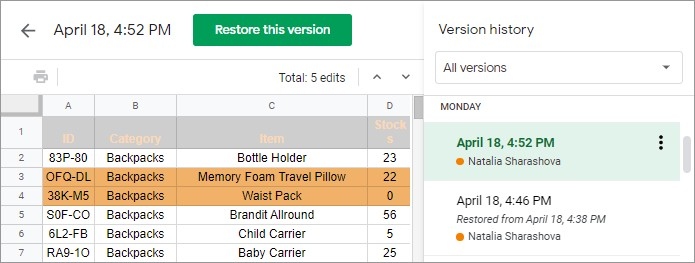
Google Sheets keeps a version history that can show earlier states of a spreadsheet together with edit times and contributors. The source describes opening it through File, Version history, See version history, or the corresponding keyboard shortcut. This provides a way to inspect changes without creating a new duplicate tab or separate file every time someone edits the workbook. The history makes the development of the document easier to follow.
Understand who can inspect the history
The article notes that owners and people with editing permissions can use this functionality. Entries may be grouped, and editor colors help distinguish contributions. Earlier versions can be inspected and restored when that is appropriate. Treat history as part of maintaining a shared working file, while still checking access and the implications of restoration before changing the current version that other collaborators are using.



















Comments (0)