 SheetWorkflow Guide
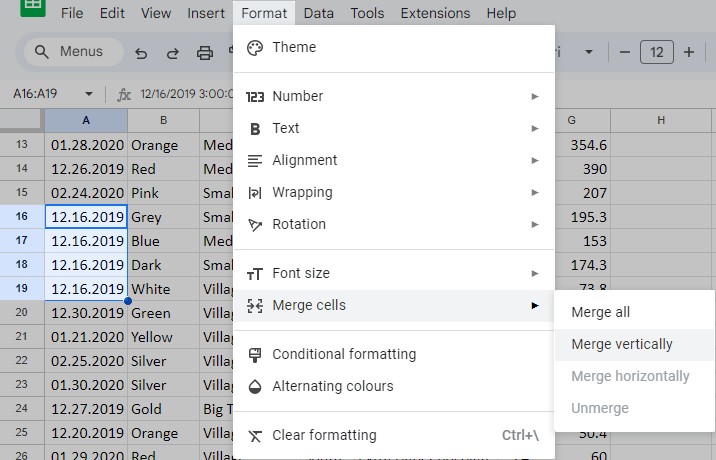
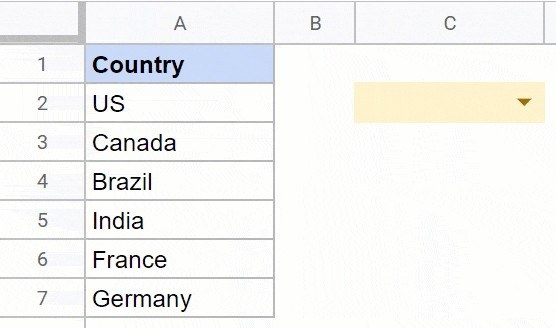
A header row tells readers what each field contains, so it should be distinguishable from ordinary records. The Google Sheets Format menu and toolbar can change its font, borders and background. Choose a readable treatment that makes the table's structure clear rather than adding decoration to every cell.
The Ablebits guide also describes a Table Styles add-on for applying coordinated styles to different table areas. Its custom style option can preserve a reusable combination, while the supplied default styles are not directly editable. Built in formatting remains sufficient for many tasks, so use an extension only when its repeatable layout controls serve a real need across the sheets being maintained.



















Comments (0)