 SheetWorkflow Guide
Link the visual treatment to the categories
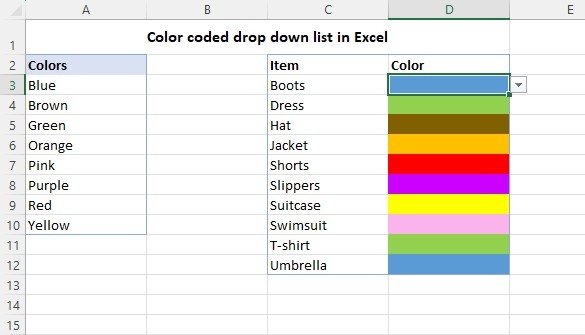
Colored dropdowns can make categories or progress labels easier to recognize. The source covers both Excel and Google Sheets, explaining that the list itself should be established before the visual treatment is added. Choose colors that communicate a useful distinction rather than assigning them purely for decoration. A long list may become easier to scan when related labels have consistent and deliberate visual cues.
Keep enough information beyond the color
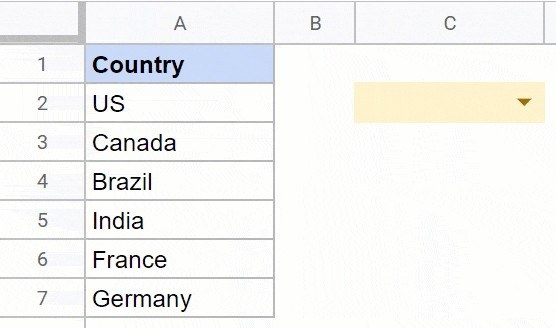
The article also describes a color-only treatment in Google Sheets but warns that visual communication should enhance understanding. Hiding the text is suitable only when the color genuinely provides enough meaning. In many workflows, preserving a readable label with a contrasting background is clearer. Check the dropdown in the context of the complete table so its colors support the data-entry process instead of making users guess what each choice represents.



















Comments (0)