 SheetWorkflow Guide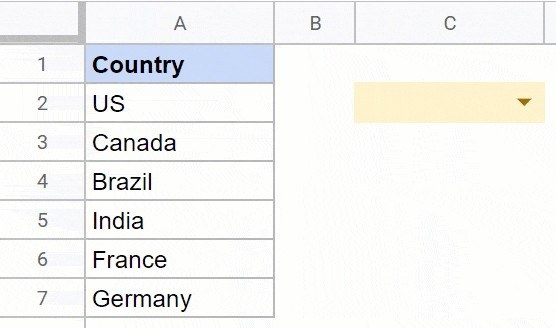
Define the choices for the selected cell
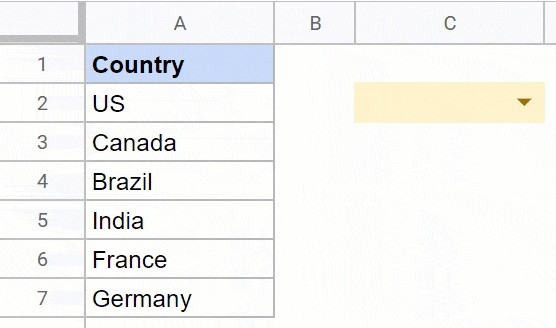
The source describes adding a dropdown by selecting a cell and choosing Dropdown from the Insert menu. In the configuration panel, enter the predetermined answers, add further options as needed, and confirm the rule. A dropdown chip then provides those choices in the cell. This helps keep entries consistent because people choose from a shared list instead of independently typing variations of the same label.
Choose the editing route that suits the task
Google Sheets also provides routes through data validation and the right-click menu. These lead to related controls for creating and maintaining the choices. Decide whether the list should be entered directly or supplied from a range, then check the result in the worksheet. The useful outcome is a clear input process that fits the data, with options that remain understandable when another person uses or updates the sheet later.




















Comments (0)