 SheetWorkflow Guide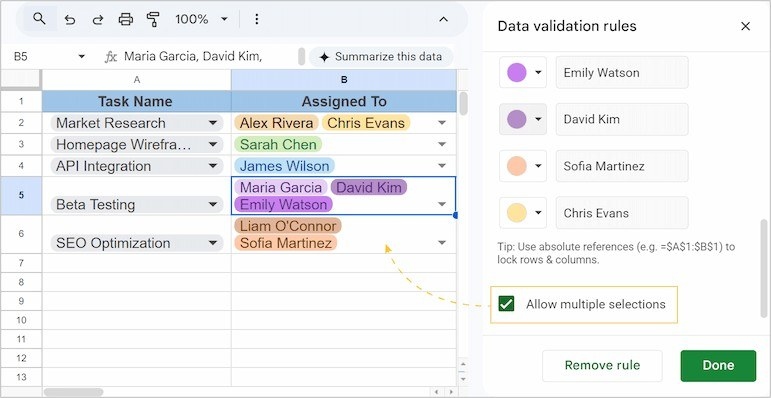
Replace avoidable spelling variations with choices
A dropdown presents a defined set of values, reducing inconsistent entries such as different spellings of the same progress status. The source describes dropdown chips as a way to make data entry quicker and more predictable. That consistency helps later formulas and pivot tables treat equivalent records as the same category. Start by deciding the acceptable choices, then apply them to the cells where people will enter that type of information.
Choose the response to an invalid value
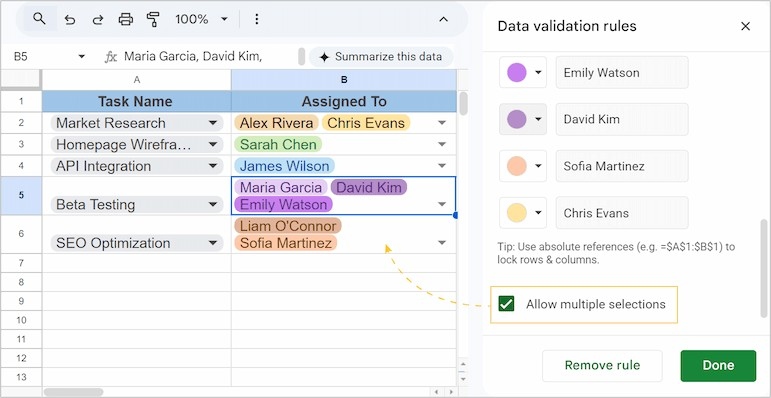
Validation can either warn about an unexpected entry or reject it, depending on the rule's settings. The article also covers manually entered choices, lists connected to ranges, colors, and later editing or removal. Pick the level of restriction that matches the workflow instead of assuming every list must behave identically. A useful dropdown reflects the data process and remains understandable to the people maintaining the sheet.




















Comments (0)