 SheetWorkflow Guide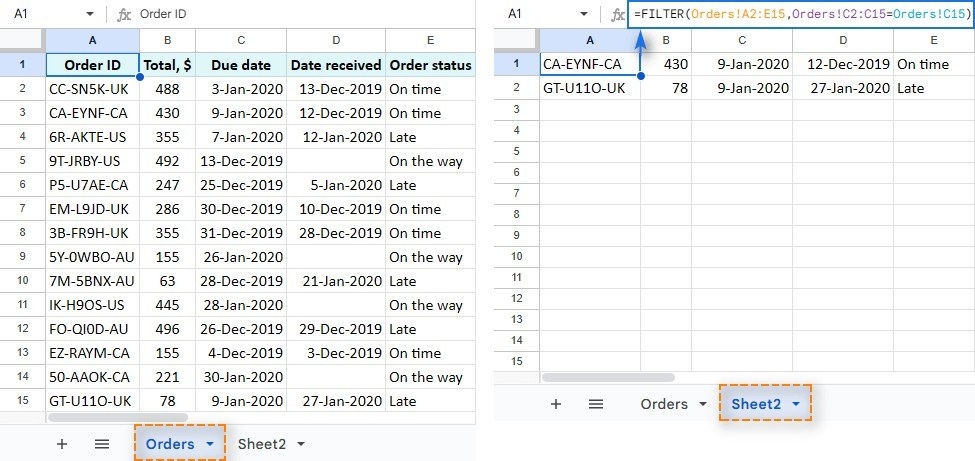
Create a result rather than hide the original rows
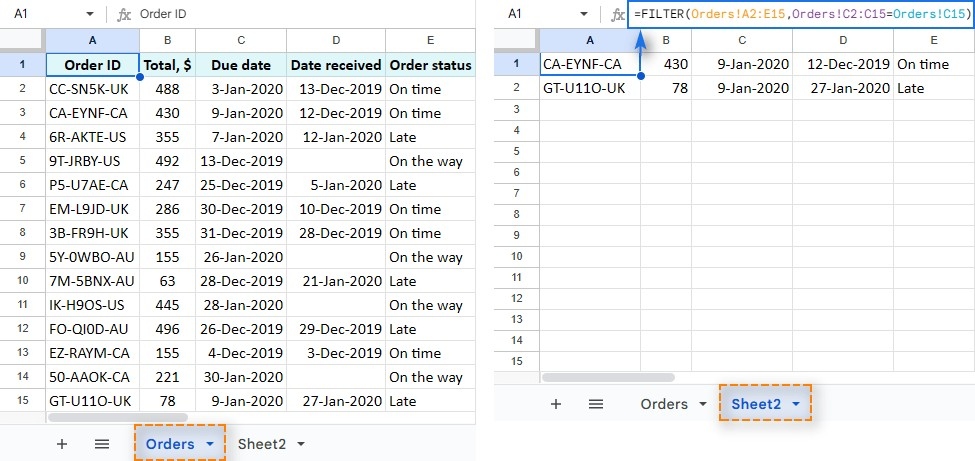
The FILTER function produces matching data at the location of the formula, while leaving the original range in place. This differs from the standard filter control, which changes which source rows are visible. The source describes a required range and at least one condition, with additional conditions available when needed. Use this approach when a separate result table is more useful than temporarily narrowing the view of the original data.
Match the size and direction of conditions
Each condition must correspond in size to the range being filtered. Conditions must also be consistently oriented: the function does not allow a mixture of row-based and column-based conditions in the same operation. Check those relationships before extending a formula to more criteria. Understanding the shape of the input is as important as writing the comparison, because an otherwise sensible condition cannot work against an incompatible range.




















Comments (0)