 SheetWorkflow Guide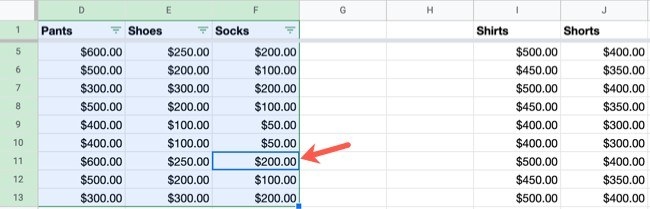
Enable filters on the intended data block
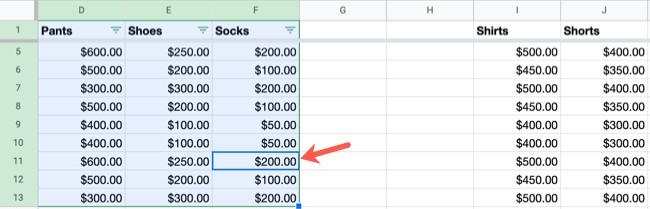
The source describes using the toolbar's Create a filter control to add filter buttons to column headers. A sheet containing separate blocks or blank columns may require selecting the appropriate area first, so the controls apply to the intended table. Decide whether the whole sheet or a particular block should participate before adding the filter. This makes the resulting view easier to interpret and avoids treating neighboring material as part of the same dataset.
Choose values, conditions, or colors deliberately
Filters can focus on specific values, text, dates, numbers, formulas, or formatting. Those options answer different questions, so select the one that matches the task rather than relying on the first convenient menu item. The remaining records are hidden from the current view rather than removed from the underlying sheet. Clear or adjust the criteria when the next task requires a different subset of information.




















Comments (0)