 SheetWorkflow Guide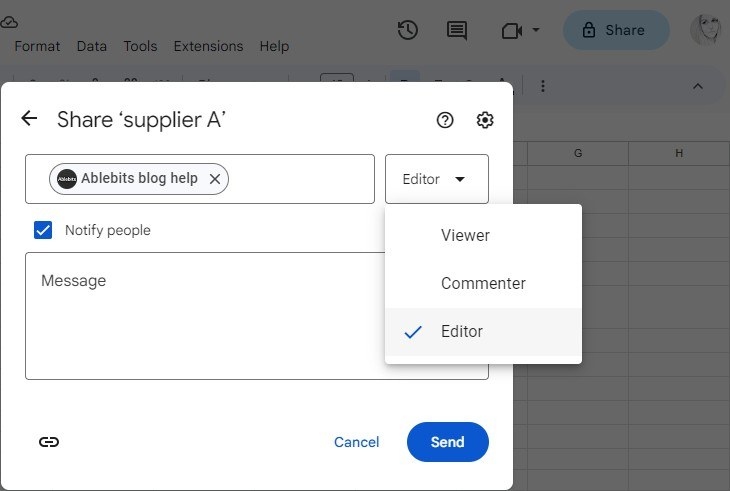
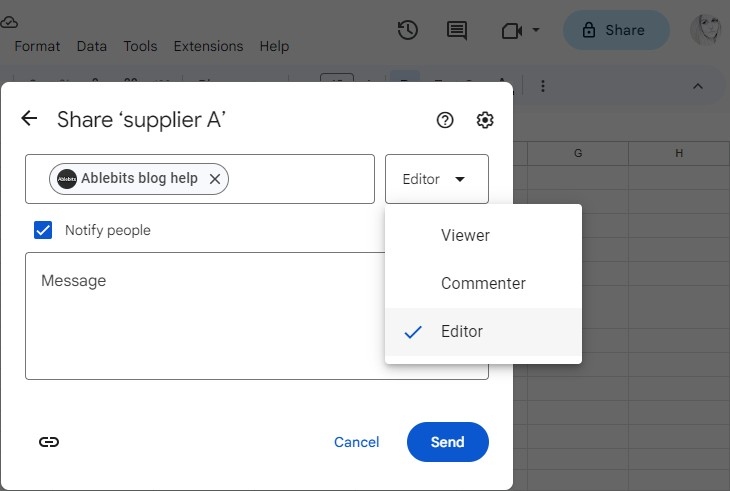
Assign a specific collaboration role
The Share control in Google Sheets lets an owner invite people and decide whether they should view, comment on, or edit the file. The source emphasizes choosing the role rather than simply sending a link and assuming everyone receives the same rights. Working in one shared spreadsheet can reduce the need to email separate copies, but that convenience still requires a clear decision about who should be able to change the contents.
Understand what a general link permits
Changing general access from Restricted to Anyone with the link broadens the audience that can open the spreadsheet. The role attached to that link determines what those people can do, and it should be reviewed carefully. Additional sharing settings may limit certain editor actions or downloading, printing, and copying. Treat those controls as part of the collaboration plan, especially when the sheet contains information that should remain within a particular group.




















Comments (0)