 SheetWorkflow Guide
Give the data a consistent structure
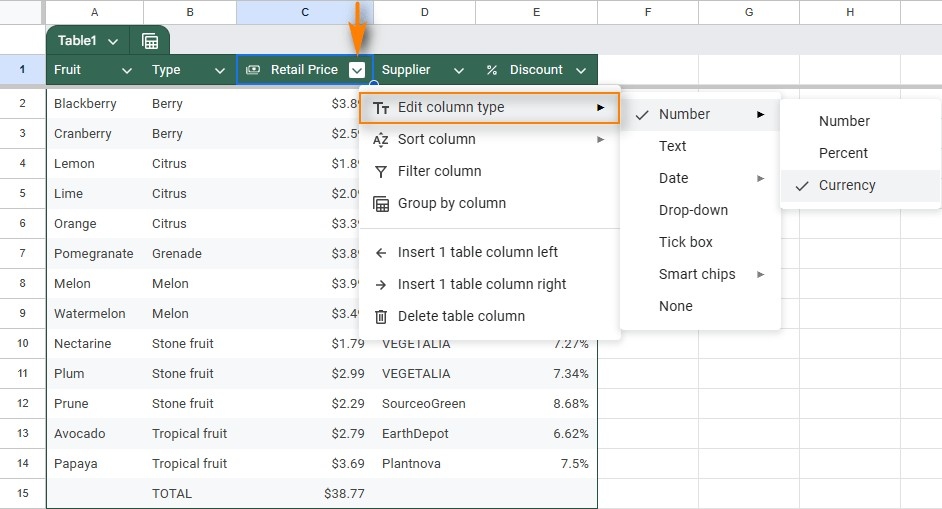
A plain range of names, values, and dates can be difficult to analyze or share. The source describes Google Sheets' Convert to table feature alongside traditional formatting methods. After selecting the data, the command applies a coordinated table treatment with headers, alternating colors, and column filter controls. This provides a recognizable structure instead of leaving each cell to rely on its default formatting.
Keep presentation connected to use
Formatting should help people identify the fields and follow each record across the sheet. Begin with the actual dataset and check that the selected range includes the intended headers and rows. A table is useful because it makes the information easier to navigate and maintain, not merely because it changes the colors. Use the available table options to support the work the spreadsheet needs to do and the people who will read it.




















Comments (0)