 SheetWorkflow Guide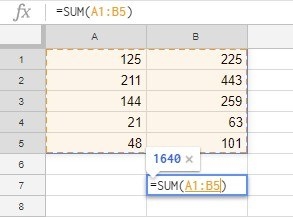
Tell the cell that a calculation is coming
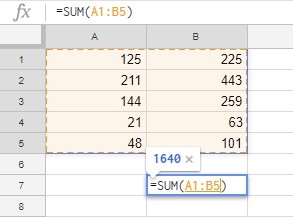
A formula begins with an equals sign, followed by the expressions or functions needed for the result. The source explains that formulas may combine cell references, named ranges, constants, operators, and other functions. A reference such as A1 identifies a column and row, allowing a calculation to use information already stored in the sheet. This is more flexible than repeatedly typing the same values into separate calculations.
Decide what should change when copying
Relative references move when a formula is copied to another position. Absolute references, such as $A$1, retain both coordinates, while mixed references fix only the column or the row. The dollar sign therefore has a practical role rather than being optional decoration. Before filling a formula across a table, identify which input should remain fixed and which should follow the new position. That choice can prevent a correct first result from becoming incorrect elsewhere.




















Comments (0)