 SheetWorkflow Guide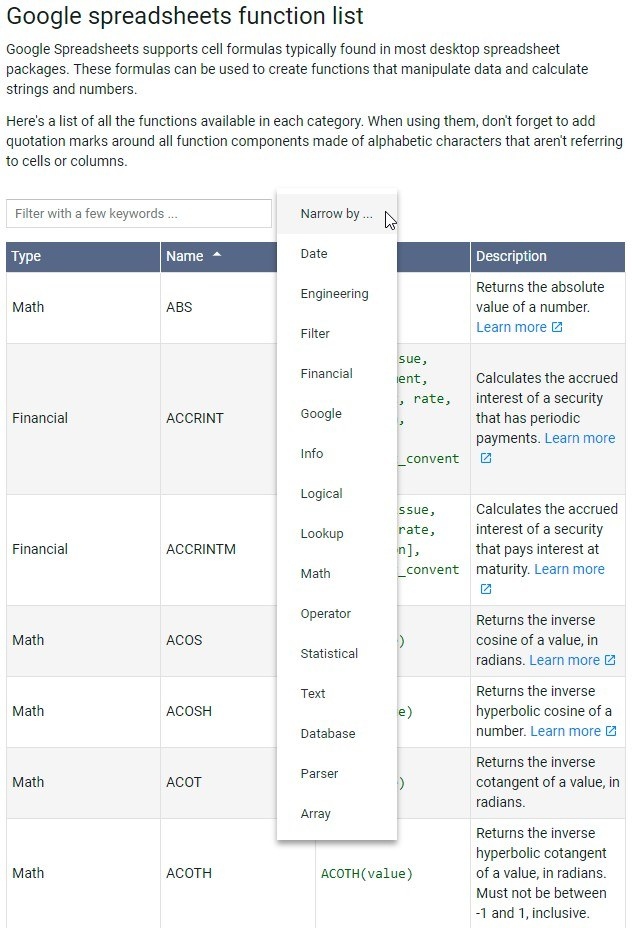
Start with more than viewing attachments
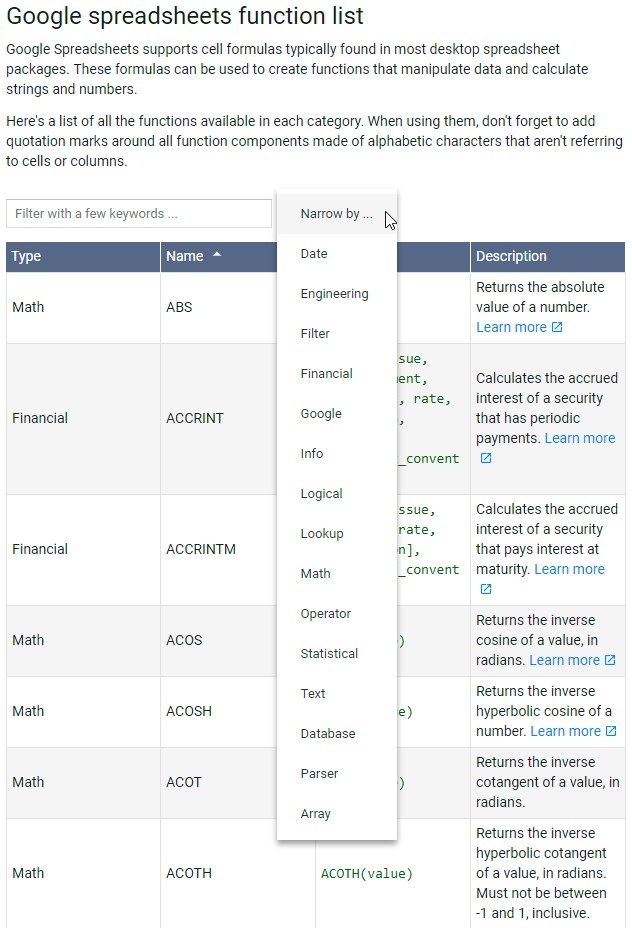
Google Sheets is a browser-based spreadsheet service that can support everyday data entry and analysis, rather than merely display tables received by email. The source introduces features such as charts, filters, and pivot tables alongside basic worksheet management. Working in the browser removes the need to install a separate desktop spreadsheet application for these activities. The useful starting point is to understand the range of tasks available before choosing how to organize a particular workbook.
Connect access with collaboration
Files stored through Google's service can be accessed from different supported devices, and sharing allows other people to work with the same spreadsheet. Those conveniences depend on the account, access settings, and connectivity involved; they do not remove the need to manage permissions carefully. Begin with a simple table and learn how its sheets, data tools, and sharing controls fit together before building a more complex reporting workflow.




















Comments (0)