 SheetWorkflow Guide
Excel provides snap options for arranging shapes and other objects in a worksheet report. Select an object and use the alignment controls under Shape Format to toggle snapping to the grid or to other shapes. A highlighted option indicates that the corresponding setting is enabled.
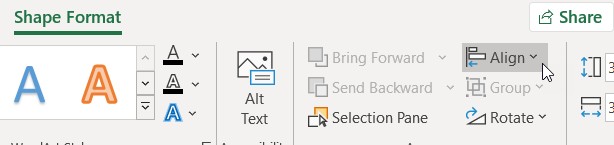
Snapping to a grid can help even when gridlines are hidden, while snapping to shapes supports consistent alignment between objects. Toggle the options off when precise free placement is needed. These controls affect the placement of report objects; they do not reorganize the underlying worksheet values or change the data being charted.



















Comments (0)