 SheetWorkflow Guide
Recognize the difference before formatting
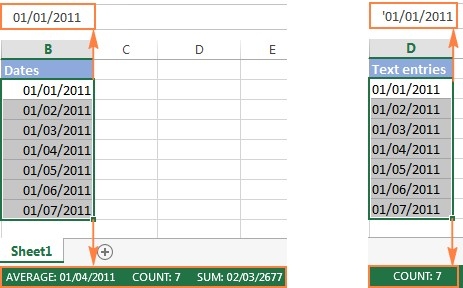
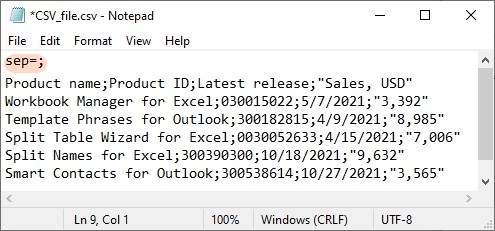
Data imported from a CSV file or another system may look like dates while remaining text in Excel. The source explains that such entries do not behave like proper dates in sorting, formulas, pivot tables, or charts. Changing their appearance alone does not necessarily turn them into usable date values. Establish what Excel actually stored before choosing a conversion method or diagnosing an apparently incorrect date calculation.
Choose conversion for the incoming structure
The article discusses formula and non-formula methods for converting text into dates, along with the relationship between numeric date values and date formatting. The appropriate method depends on the original format and the intended result. Test a representative sample, including entries that could be interpreted in more than one order. A successful conversion should produce dates that work consistently in analysis, not simply display a convincing sequence of day, month, and year characters.



















Comments (0)