 SheetWorkflow Guide
Choose the transformation the data needs
LOWER converts text to lowercase, UPPER produces uppercase, and PROPER capitalizes words. The source presents these functions as alternatives to a dedicated change-case menu in Google Sheets. Apply the appropriate formula to a referenced cell when names or labels arrive with inconsistent capitalization. This changes presentation in a predictable way instead of relying on repeated manual edits throughout a table.
Check the result before replacing source text
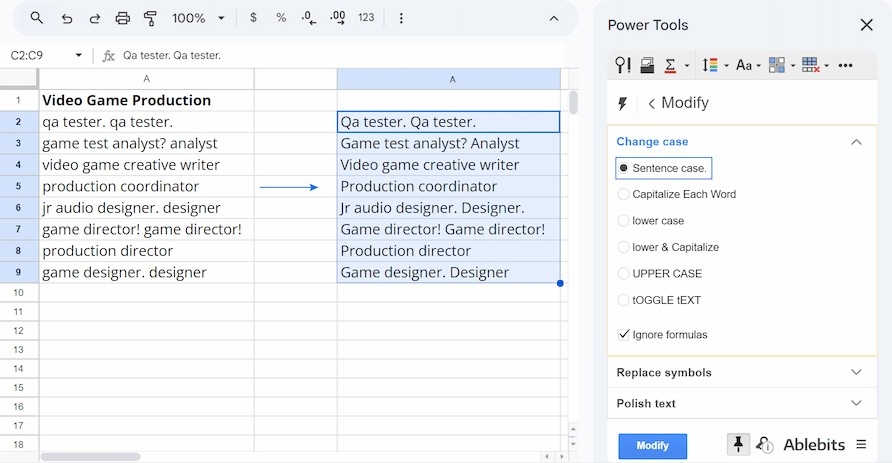
Different case styles serve different purposes, so title case should not be treated as the correct answer for every dataset. The source also describes a workaround through Google Docs capitalization controls and specialized add-ons for additional options. Choose a method that matches the size and requirements of the task. Formula-based results are especially useful while reviewing the transformation, because the original entries can remain available beside the standardized version.



















Comments (0)