 SheetWorkflow Guide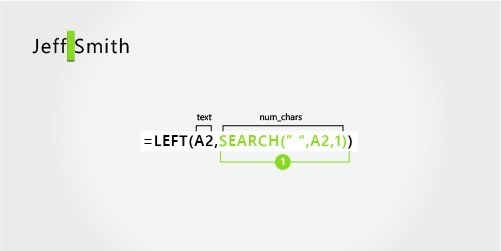
Find the boundaries within the original string
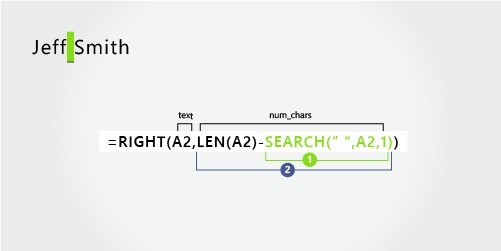
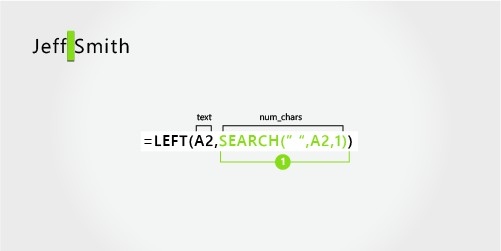
LEFT, MID, RIGHT, SEARCH, and LEN can work together to separate parts of a text value. The source uses names to show why character positions matter: a surname may follow the first space, a second space, or a different arrangement entirely. Before building an expression, inspect the actual formats in the column. A formula based on one assumed name pattern may fail when a middle initial or surname-first entry appears.
Match the method to the variation
Simple, consistently separated values may be easier to handle through the Text to Columns wizard, while formulas can address specific component positions. The source distinguishes several name structures rather than treating every person as having exactly two words. Review representative records and preserve the original data while testing. The objective is usable fields that retain the intended names, not merely a visually tidy division that silently assigns components to the wrong columns.




















Comments (0)