 SheetWorkflow Guide
Create a Google Sheets Rule That Highlights Changing Values
Conditional formatting updates the appearance of cells according to rules, making changing information easier to notice without repeated manual edits.
Conditional formatting updates the appearance of cells according to rules, making changing information easier to notice without repeated manual edits.

Column order can make a worksheet easier to read when related fields sit together.

A header row tells readers what each field contains, so it should be distinguishable from ordinary records.

A useful chart begins with a well-defined source range.

QUERY takes a data range and a query expression, with an optional argument describing header rows.

A pivot table can organize a dataset into a more understandable summary.

Google Sheets keeps a version history that can show earlier states of a spreadsheet together with edit times and contributors.

A simple equality formula can compare two values on the same row in Google Sheets.

Tabs inside one Google Sheets file can share data through direct references.

Someone may need to edit part of a spreadsheet without being able to change its formulas or reference data.

Google Sheets can join text from several cells using CONCATENATE or the ampersand operator.

Color can make a spreadsheet easy to scan, but ordinary Google Sheets formulas do not automatically treat a cell's fill as a calculation criterion.

Deleting Google Sheets cell contents and removing their formatting are separate operations.

Duplicate entries can arise from typing or importing data, but not every repeated value should be removed.

Conditional formatting can make duplicate values stand out while leaving the records intact.
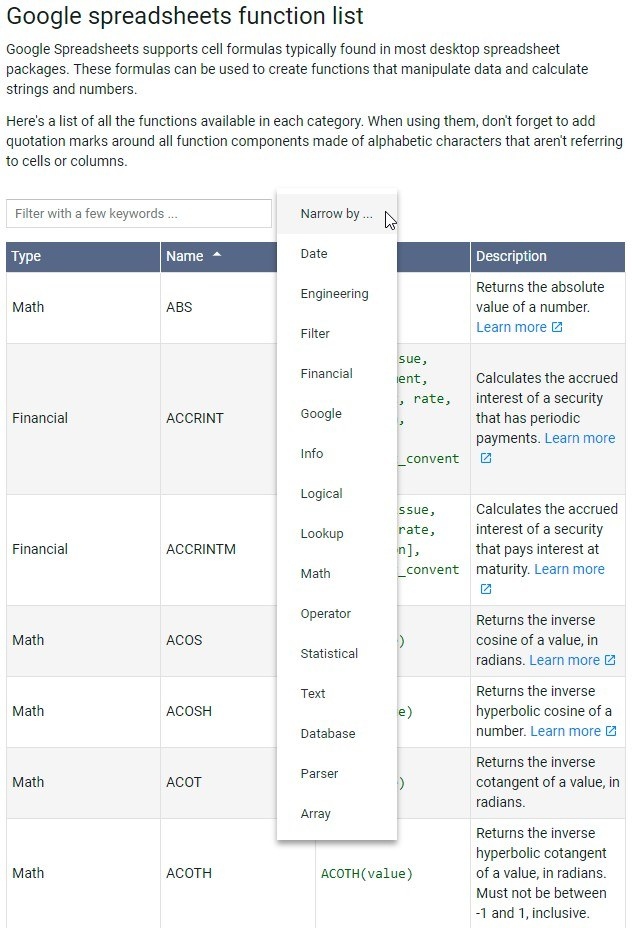
Google Sheets is a browser-based spreadsheet service that can support everyday data entry and analysis, rather than merely display tables received by email.

A dependent dropdown changes its available options according to a choice made in another cell.

The source describes selecting the cells containing a dropdown and opening Data, Data validation to revise the accepted items.

Colored dropdowns can make categories or progress labels easier to recognize.
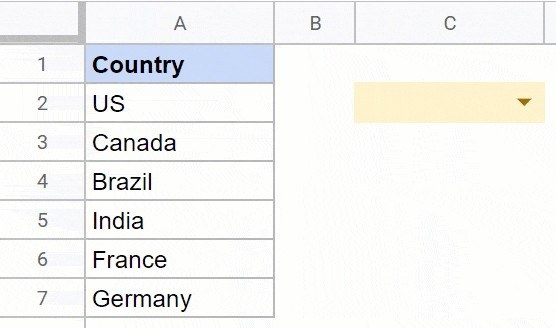
The source describes adding a dropdown by selecting a cell and choosing Dropdown from the Insert menu.

