 SheetWorkflow Guide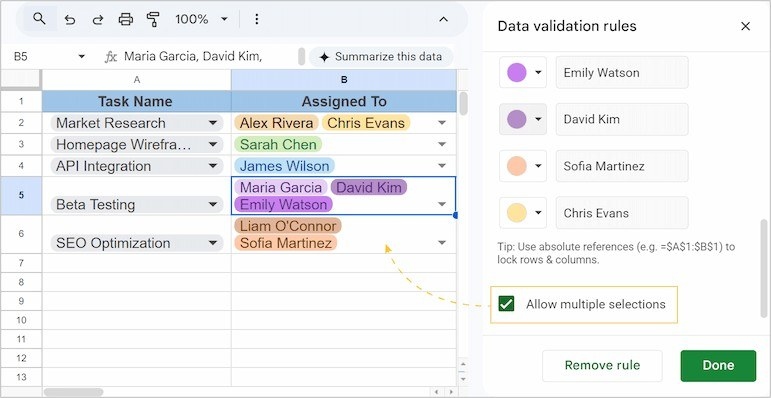
Keep Google Sheets Status Entries Consistent with Dropdowns
A dropdown presents a defined set of values, reducing inconsistent entries such as different spellings of the same progress status.
A dropdown presents a defined set of values, reducing inconsistent entries such as different spellings of the same progress status.
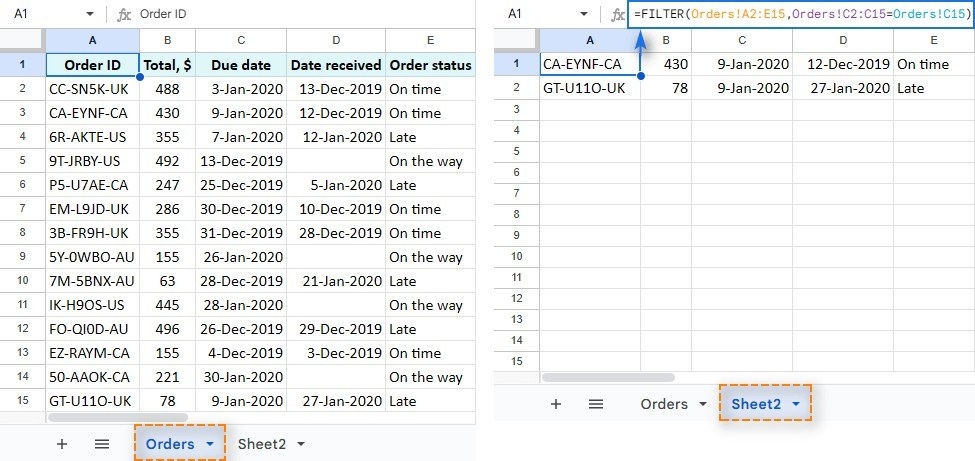
The FILTER function produces matching data at the location of the formula, while leaving the original range in place.
Google Sheets can filter by fill color or text color, whether the appearance was added manually or through conditional formatting.
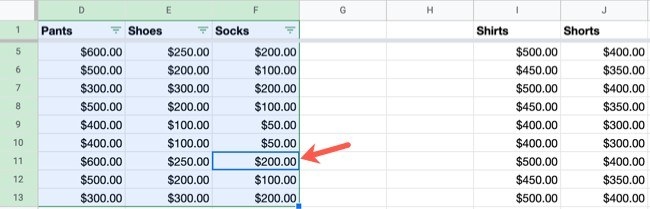
The source describes using the toolbar's Create a filter control to add filter buttons to column headers.
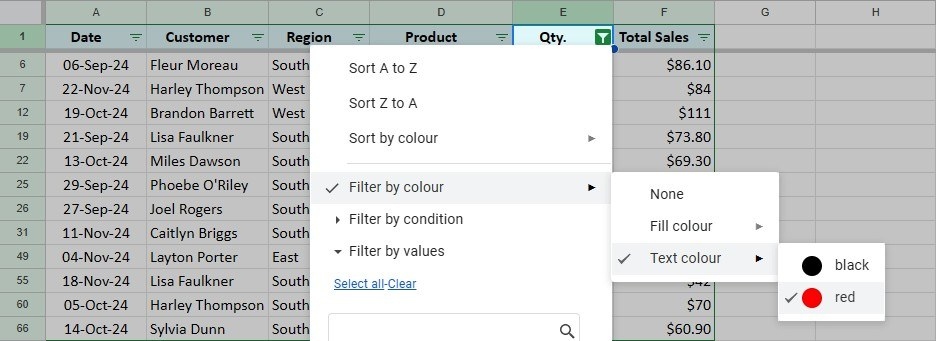
A filter temporarily hides rows that are outside the selected criteria; it does not remove the underlying records.

An ordinary filter can change how other collaborators see a shared sheet.
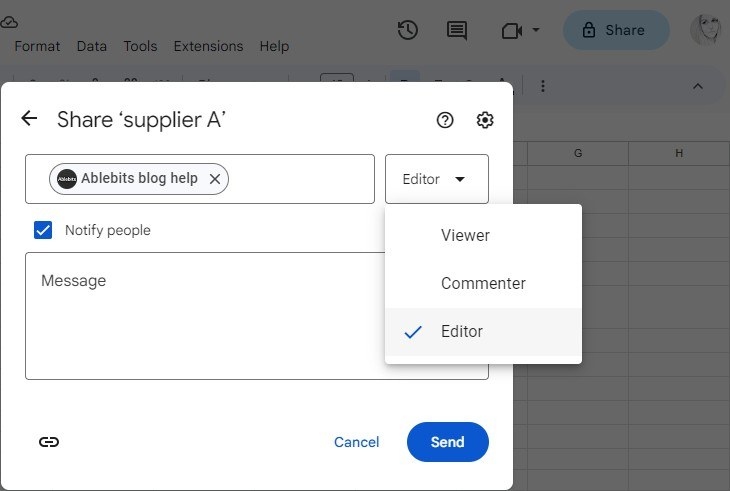
The Share control in Google Sheets lets an owner invite people and decide whether they should view, comment on, or edit the file.
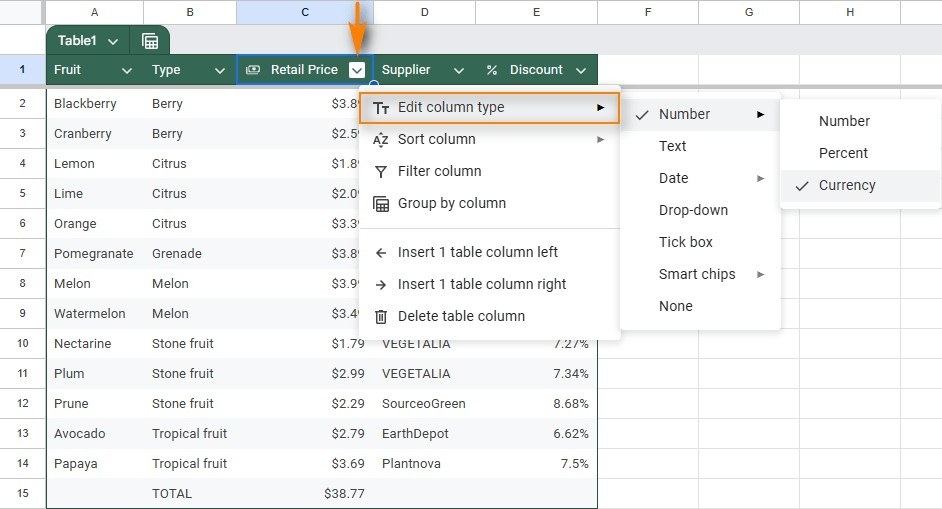
A plain range of names, values, and dates can be difficult to analyze or share.
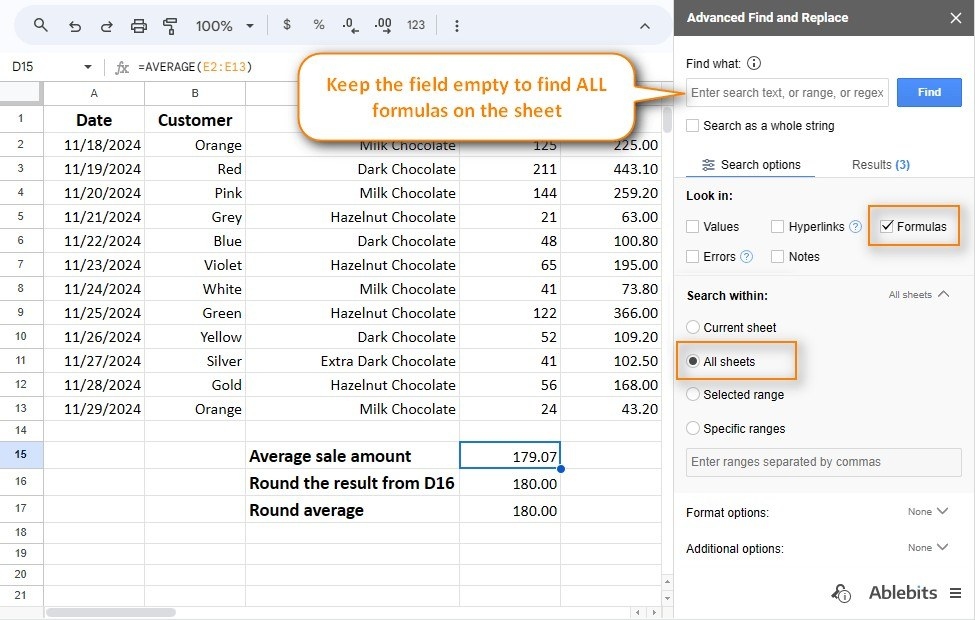
In Google Sheets, select the cell where the answer belongs, type an equals sign, and add the function name.
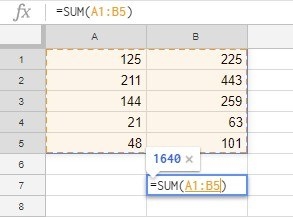
A formula begins with an equals sign, followed by the expressions or functions needed for the result.

