 SheetWorkflow Guide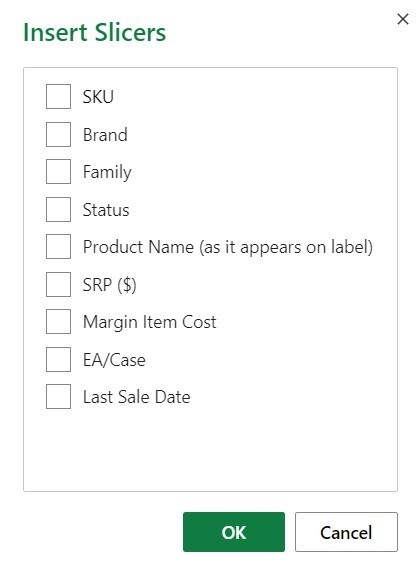
Add a control for the relevant field
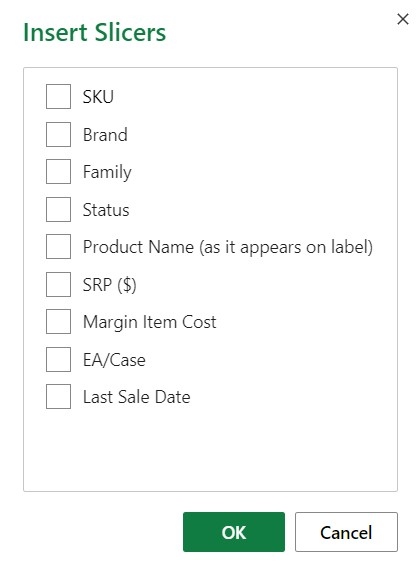
A slicer provides clickable buttons for filtering a table or PivotTable and displays the current filtering state. The source describes selecting a cell in the data, using Insert, Slicer, and choosing the fields to expose. Excel creates a control for each selected field. This can make a report easier to operate because readers see both the available choices and the categories currently affecting the displayed information.
Manage selection and connections deliberately
Use the available multi-select behavior when more than one item should be shown, and clear the slicer's filter when returning to the complete view. Style and size can be adjusted to suit the report. The source also discusses reusing a slicer with another compatible PivotTable. Verify the connection so a control affects the intended summaries, and label it clearly enough that someone opening the workbook can understand its role.




















Comments (0)