 SheetWorkflow Guide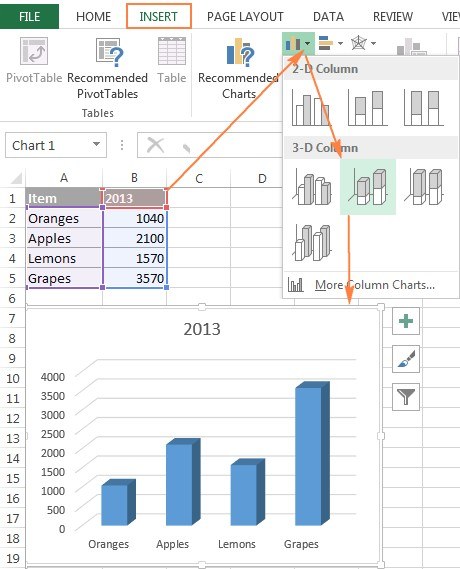
An Excel chart can draw its series from more than one worksheet. The Ablebits guide starts with a chart based on the first sheet, then uses Select Data to add a series from another sheet. This supports comparisons such as revenue across separate yearly tabs.
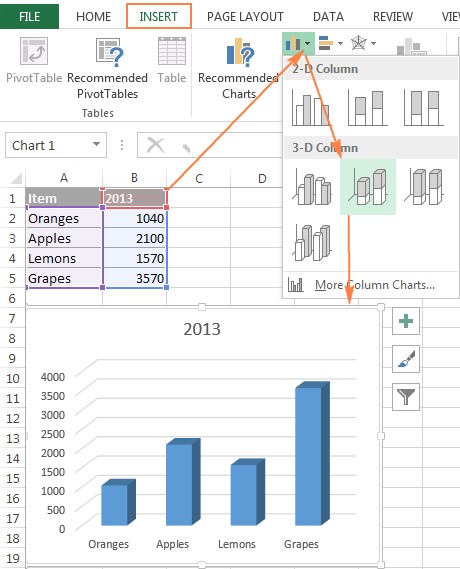
Keep the category definitions and measurement units consistent between the sources. Adding a series does not automatically resolve differences in date coverage or record order. Inspect the series names and ranges in the data-source controls, then verify the plotted values against each sheet before using the combined chart in a report.




















Comments (0)