 SheetWorkflow Guide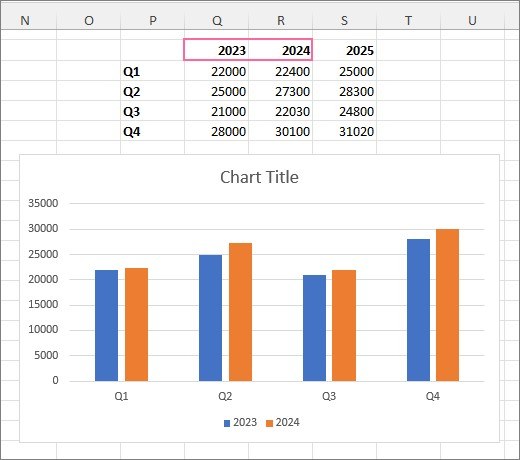
An Excel data series represents a row or column of related numeric values. To add another series on the same worksheet, place the new values beside the existing chart data and select the chart. Expand the highlighted source range using its sizing handles to include the additional row or column.
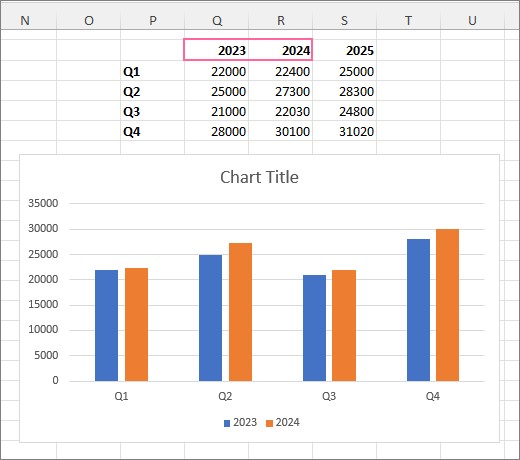
Verify that the added series uses the intended category labels and heading. For a chart stored on a separate chart sheet, use the Select Data Source dialog instead of relying on the worksheet selection handles. Review the legend afterward so readers can identify the newly included series without guessing.




















Comments (0)