 SheetWorkflow Guide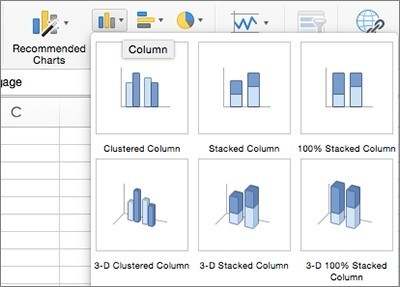
Choose the data and a suitable type
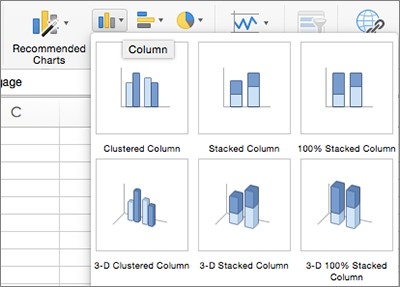
In Excel for Mac, select the intended range before using Recommended Charts or choosing a specific chart type from the Insert tab. The source presents both routes, allowing a quick starting point without requiring the first suggestion to become the final answer. Check that the chart represents the information that matters rather than simply plotting every selected column in the same way.
Refine the view after insertion
The Chart Design tab can change titles, labels, legends, layouts, styles, and the chart type. Switch Row/Column and Select Data help correct the way the underlying series are interpreted. Use those controls to resolve the data view before concentrating on appearance. A clear chart needs suitable series and labels as well as a readable visual treatment, so verify the finished result against the original table and the intended message.




















Comments (0)