 SheetWorkflow Guide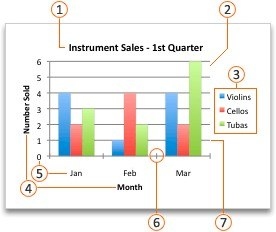
Preview the relationship before inserting the chart
The source begins with selecting the data and using Insert, Recommended Charts. Preview the suggestions or open the full chart collection if another type suits the dataset better. A shortcut can create a chart quickly, but the article notes that the immediate result may not be the most appropriate choice. The chart should follow the comparison being communicated rather than the fastest available command.
Add elements that help interpretation
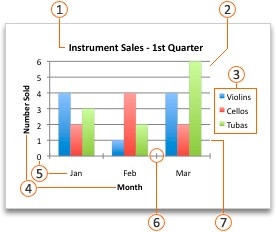
After creation, use the chart design controls to adjust the presentation and add useful elements. The source also describes trendlines, including several available models. Choose such additions only when they suit the data and the question. Review the labels and series so the audience understands what is plotted. A polished chart is effective when it makes the underlying relationship clearer, with layout and style supporting that explanation.





















Comments (0)