 SheetWorkflow Guide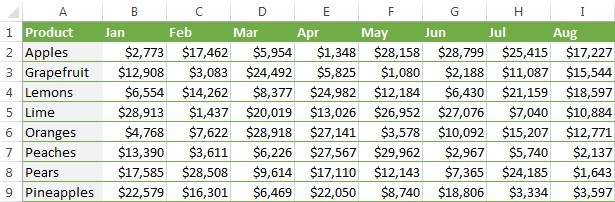
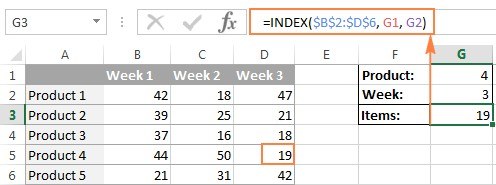
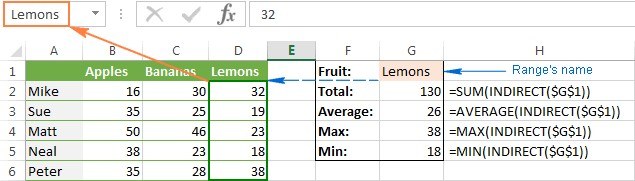
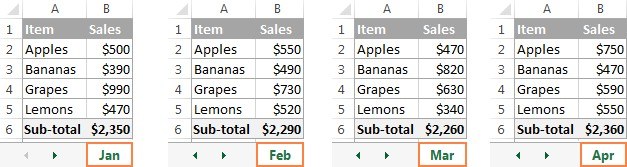
A lookup and a conditional total solve different Excel problems. Retrieving a vendor's associated field is not the same as adding every invoice belonging to that vendor. The Ablebits guide explores combinations of VLOOKUP or LOOKUP with SUM and SUMIF for more involved reporting tasks.
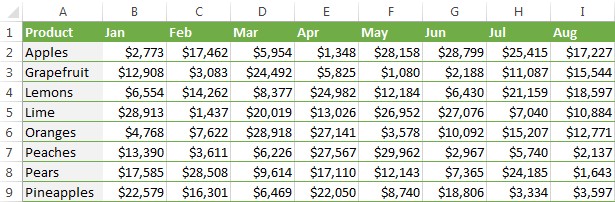
Define whether the result should represent one matched row, several fields, or all qualifying records before combining functions. Then align the identifiers, criteria, and numeric amounts. These are advanced formulas, so validate them against a small table with a known total. That check helps catch a formula that returns a plausible single match while missing other relevant amounts.





Comments (0)