 SheetWorkflow Guide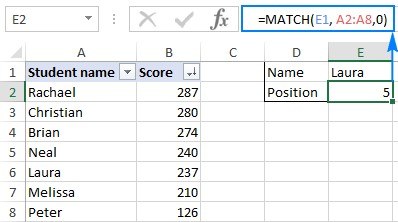
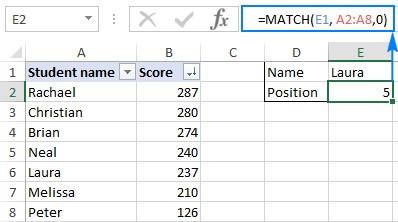
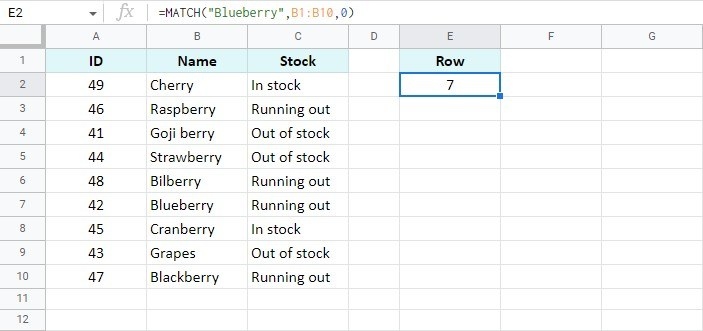
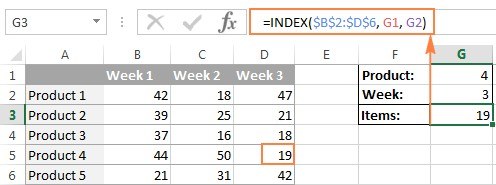
MATCH returns a value's relative position inside a lookup range rather than the value stored in another column. Setting its third argument to zero requests an exact match and does not require the list to be sorted. This is a useful starting point when locating a specific name or identifier.
Leaving that argument out instead selects an approximate mode that assumes ascending order. The negative match mode expects descending order. Those requirements can produce misleading results if overlooked. Establish the intended matching behavior explicitly before using the position inside a larger INDEX or other lookup formula.





Comments (0)