 SheetWorkflow Guide
Specify the search area and the text
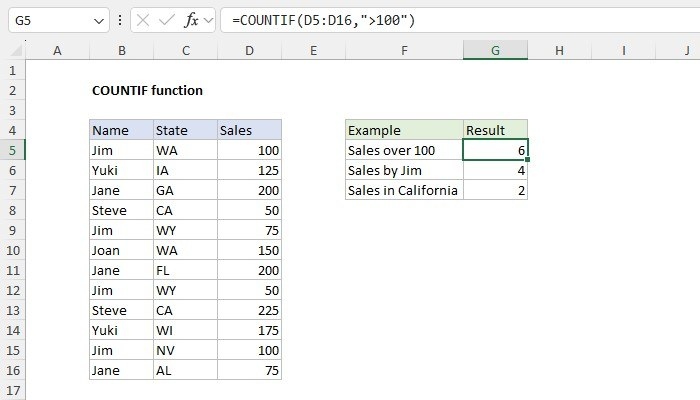
COUNTIF can count how often a particular label occurs within a selected range. The source illustrates this with an inventory list, using a text criterion such as Pens. Enter the range as the first argument and the quoted text as the second. The resulting number describes matching cells, so it is important not to confuse the count of records with the quantities stored in another column.
Test a visible example before extending it
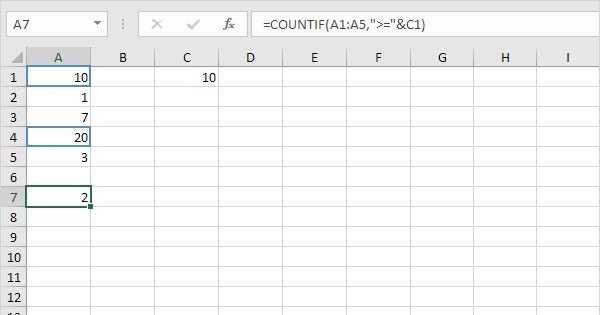
The same pattern can be adapted to numeric criteria or other text labels. Start with a short range whose matches can be inspected directly, then confirm that the formula's answer agrees with that review. If the question requires multiple conditions or a sum of quantities, assess a function designed for that task. Clear arguments make the formula useful; a plausible number alone does not establish that the intended information was counted.





Comments (0)