 SheetWorkflow Guide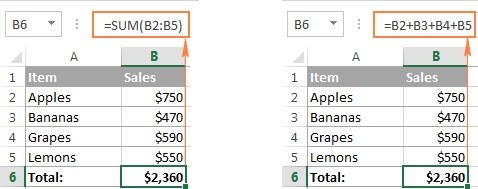
Every Excel formula begins with an equals sign followed by a calculation or function. The same basic structure underlies simple arithmetic and more involved operations such as percentages, conditional totals, and statistical calculations. Understanding that structure makes unfamiliar formulas easier to break into manageable parts.
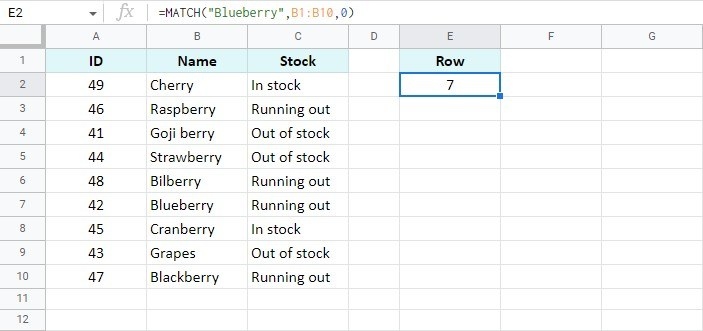
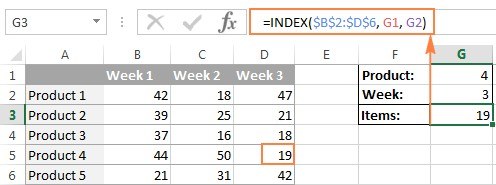
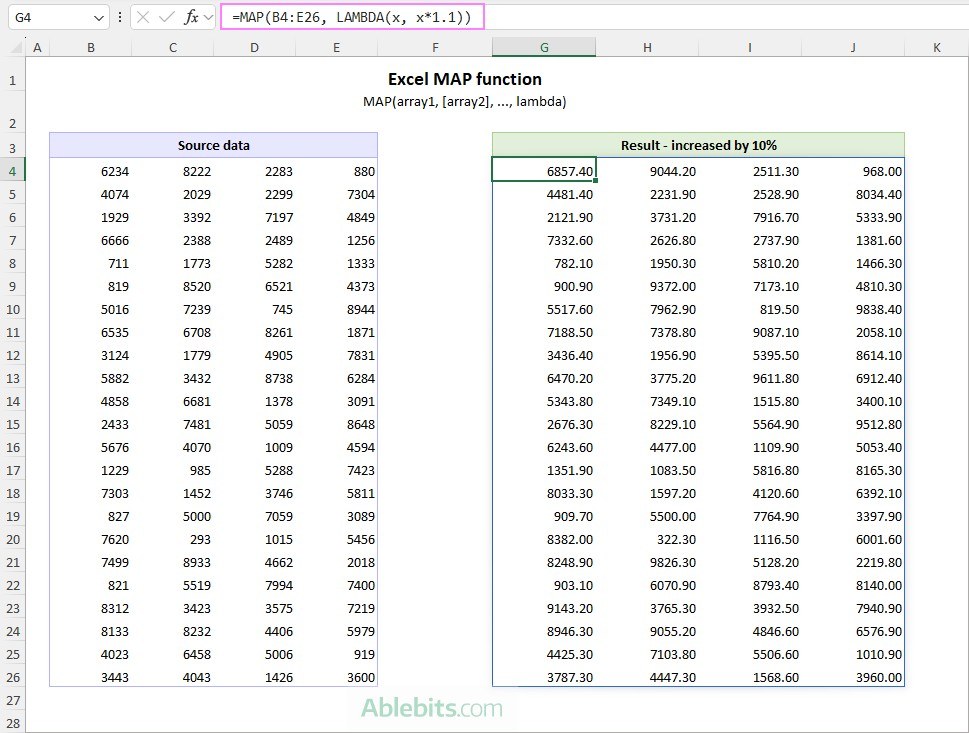
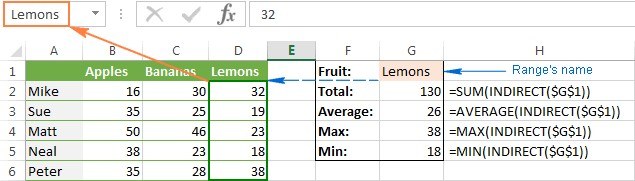
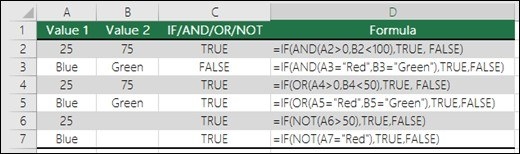
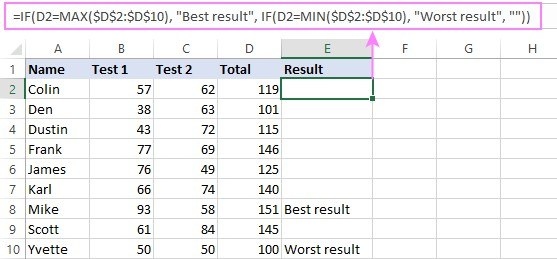
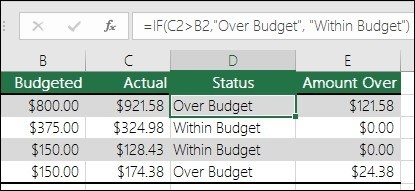
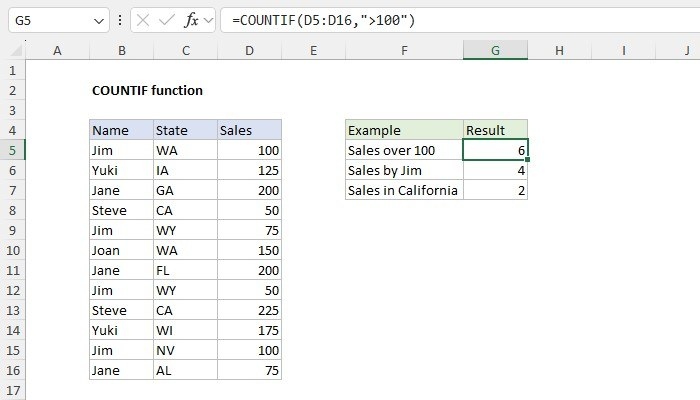
Build a small working expression before extending it. Identify which parts are constants, cell references, operators, or function arguments, then check the result against a manual example. The Ablebits beginner guide emphasizes practicing with real formula examples. Clear inputs and an understood calculation are more useful than copying a long expression without knowing what its references represent.





Comments (0)