 SheetWorkflow Guide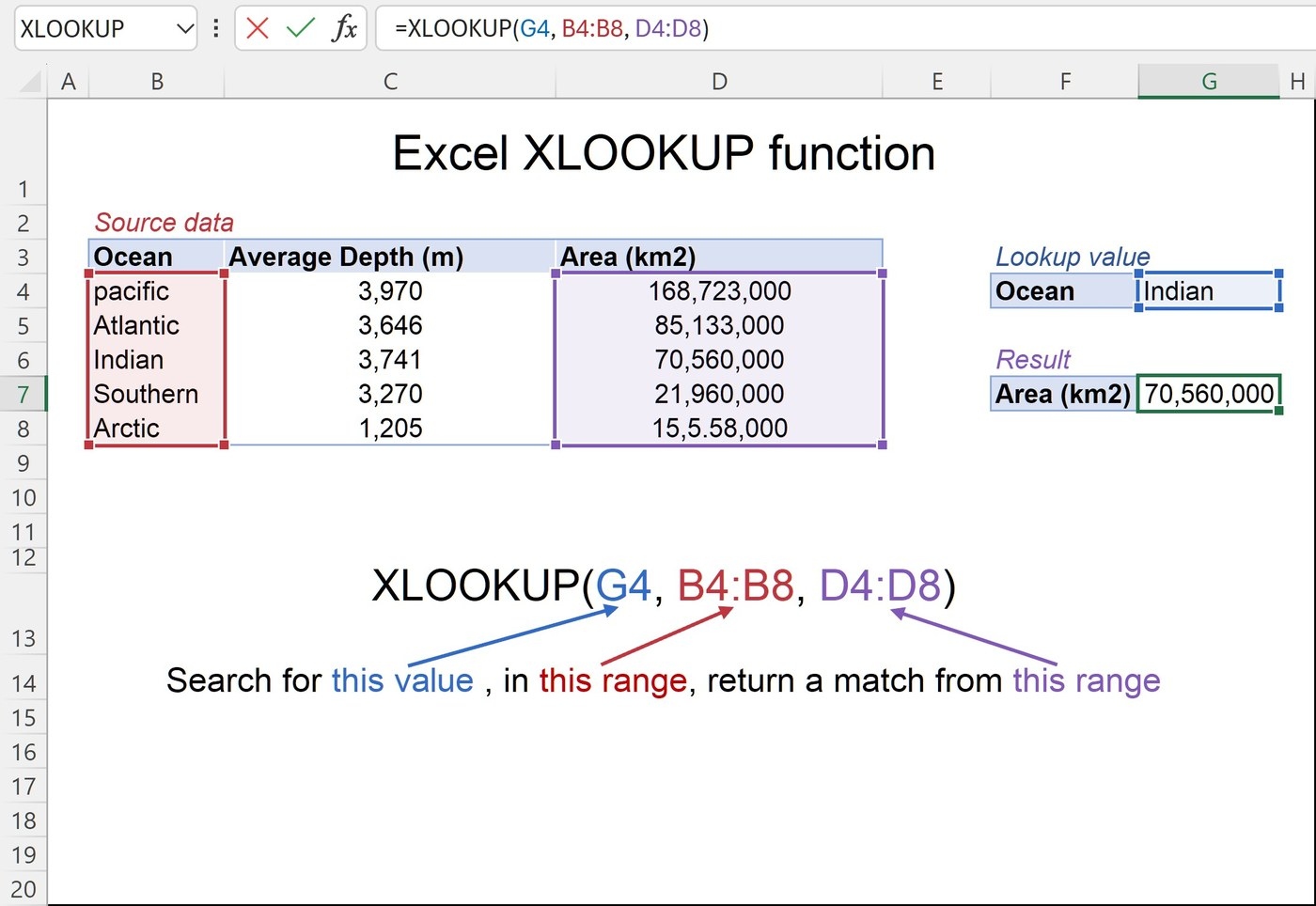
Start with the three essential inputs
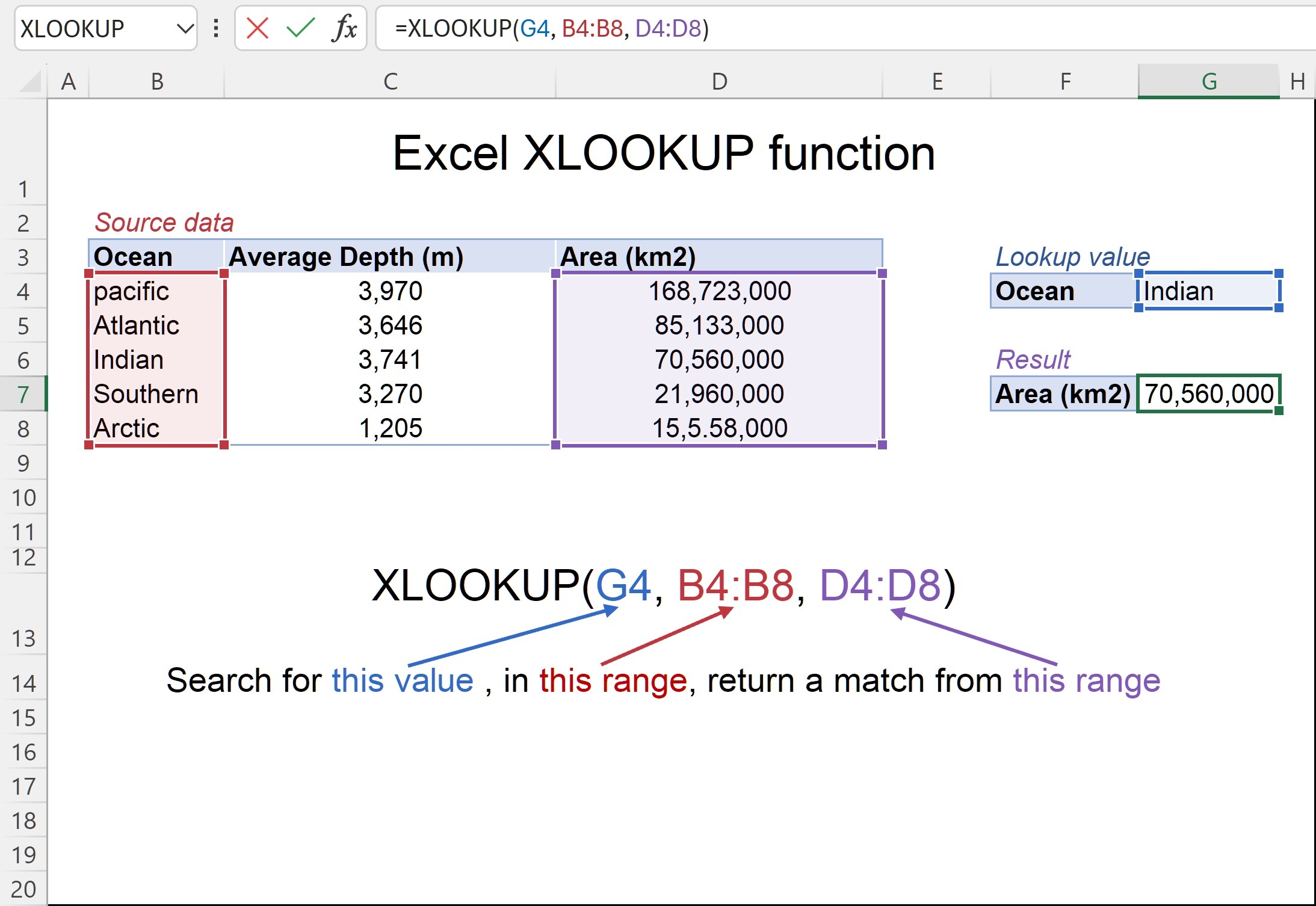
XLOOKUP searches for a specified value in a range or array and returns the related information from another range. The source highlights its ability to work vertically or horizontally, including situations where the result sits to the left of the searched values. This avoids some of the structural restrictions associated with older lookup arrangements. Begin by identifying the value, the search area, and the information that should come back.
Check matching behavior and availability
Exact matching is the default, with additional options for approximate and wildcard matches. More advanced uses can return larger result areas or address different lookup needs, but those should build on a verified basic expression. The source also warns that XLOOKUP is unavailable in some older Excel editions. Confirm support in the version used by everyone who needs the workbook before depending on the function in a shared file.





Comments (0)